Use Case · Developer Workflows
Speech-to-Text for Coding, VS Code & Terminal
Dictate code comments, docstrings, regex explanations, commit messages, and CLI commands at 150+ WPM directly inside VS Code, Cursor, and your terminal.
Typing out verbose documentation, docstrings, and Git commit explanations breaks your coding flow and slows down development velocity.
Speak your code logic out loud. Dicty formats technical acronyms, camelCase/snake_case variable names, and code blocks directly at your editor cursor.
How it works
Simple 4-step process.
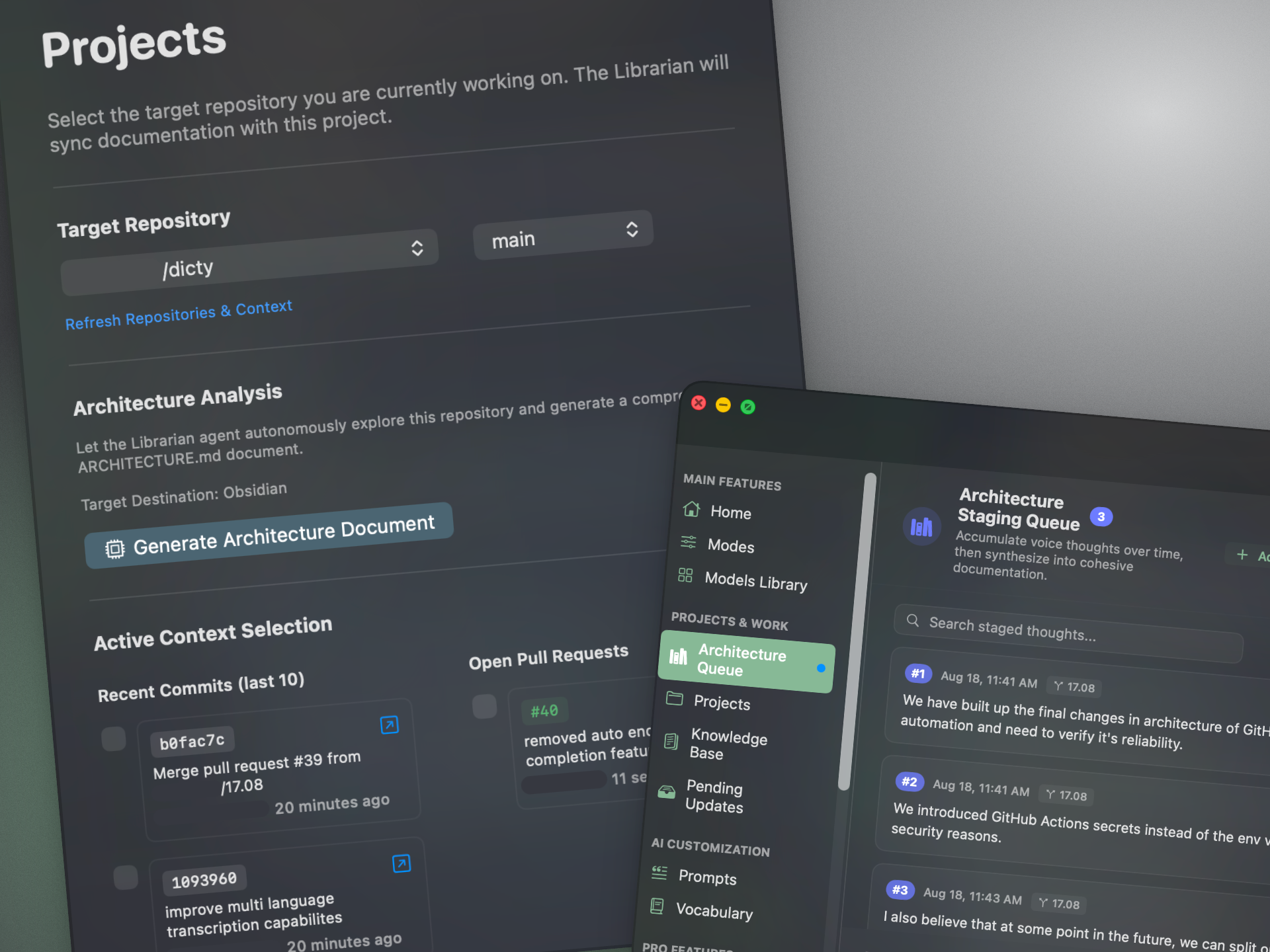
Trigger in your IDE
Press ⌥ Space inside VS Code, Cursor, Xcode, or your terminal.
Explain your code
Dictate function logic, type signatures, or pull request summaries conversationally.
Smart code formatting
Dicty intelligently formats code blocks, parameters, return types, and Markdown comments.
Zero context switching
The structured text types directly at your cursor without leaving your editor.
Codebase aware
Accurately parses programming terms, libraries, and technical jargon without typos.
100% on-device privacy
Your proprietary source code and comments never leave your local hardware.
Zero latency Metal GPU
Sub-200ms speech recognition ensures your flow state remains unbroken.
/**
 * Validates incoming OAuth bearer tokens against Redis session cache.
 * @param token - Raw JWT token from Authorization header
 * @returns Decoded user session payload or throws UnauthorizedError
 */
export async function validateSession(token: string): Promise<UserSession> {
  // Spoken: "check if token is cached, otherwise fetch from db and set ttl to 1 hour"
  const cached = await redis.get(`session:${token}`);
}
Stop writing docs. Start speaking them.
More use cases
Architecture
Architecture Decision Records that write themselves.
Learn morePull Requests & Code Changes
Say what you changed. Your PR writes itself.
Learn moreTeam Enablement
Onboarding docs that stay true to the codebase.
Learn moreOutage & Bug Reports
Something broke? Say what happened out loud. Report done.
Learn moreReal-Time Translation
Speak in your language. Dicty types in English instantly.
Learn morePersonal Knowledge Management
Voice Notes to Markdown for Obsidian Vaults
Learn moreTranslate Text to Voice on the Fly
Translate text to voice on the fly. Listen out loud with dual local neural engines.
Learn moreStudent Lecture Notes (Dicty Pro)