System Preferences
Settings & Preferences
Configure themes, dock behavior, global hotkeys, audio chimes, and media playback pausing.
Customize Dicty's visual aesthetics, audio cues, and system integration.
Appearance & Theme#
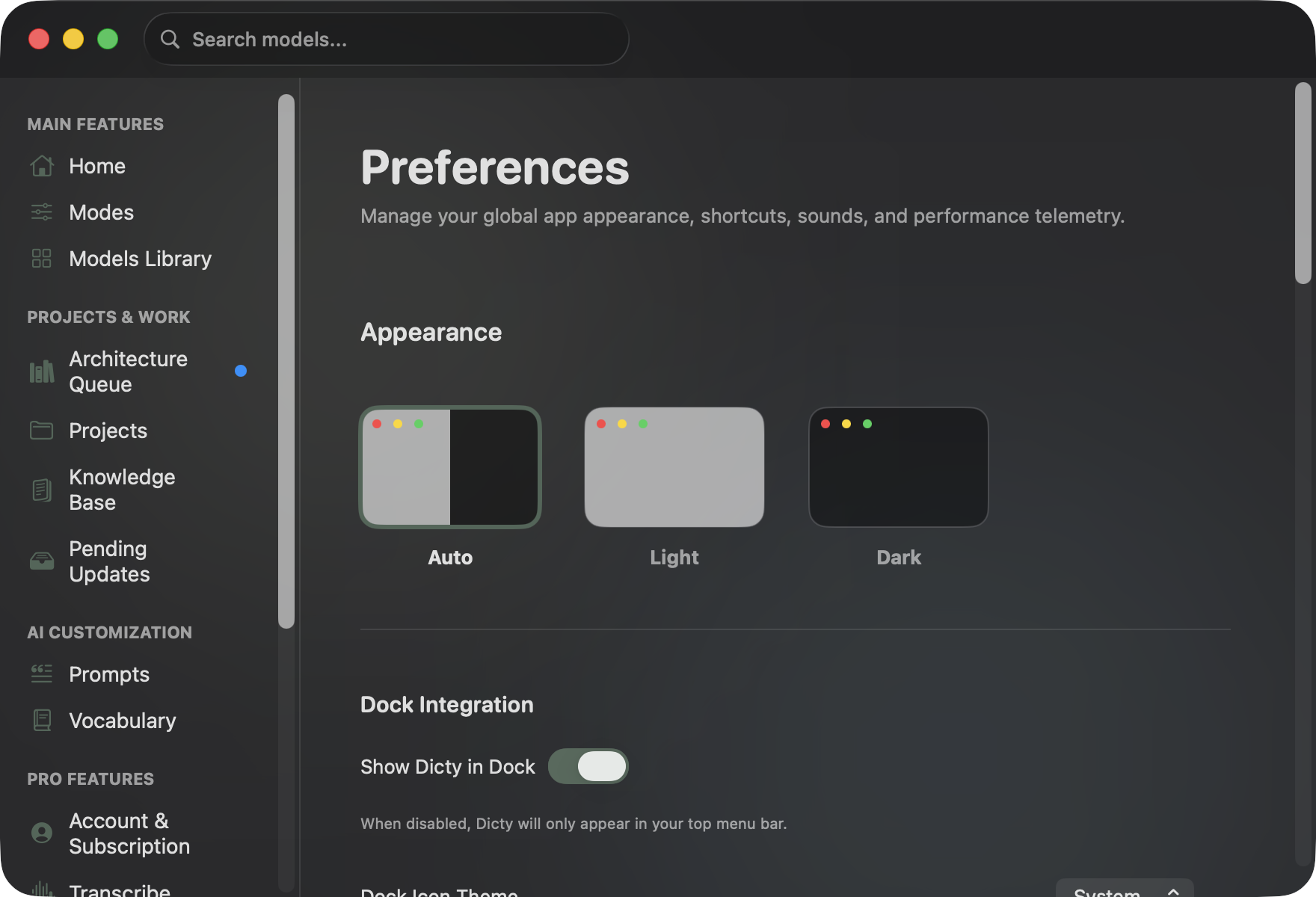
Open Settings (⌘ ,) → Preferences → Appearance:
- App Theme: Choose between Auto (matches macOS Aqua / Dark Aqua), Light, or Dark.
- Dock Integration:
- Show Dicty in Dock: Runs as a regular macOS app.
- Disable Dock Icon: Dicty runs purely as a menu bar extra in your top bar.
- Dock Icon Theme: Choose System, Bright, or Dark icon styles.
- Launch on Startup: Uses Apple's
SMAppServiceto start Dicty automatically on boot. - Recording Overlay Colors: Customize the accent colors for Dictation, Librarian, Meeting, and Focused Meeting mode badges.
Keyboard Shortcuts#
- Global Hotkey: Choose your preferred shortcut (Default: ⌥ Space).
- Hotkey Behavior:
- Toggle Mode: Press once to start recording, press again to stop and transcribe.
- Push-to-Talk Mode: Hold the hotkey down while speaking, release to transcribe.
Audio Feedback & Sounds#
Configure auditory confirmation when recording starts or finishes:
- Sources: Built-in macOS sound effects (Hero, Pop, Glass, Ping, Funk, Morse, Submarine), Custom audio file (
.wav/.mp3), or None. - Preview: Click the play icon to test sound levels.
Media Playback Integration#
Dicty can automatically pause music during voice capture so background audio doesn't bleed into your microphone:
- Pause Media on Record: Automatically pauses playback in Apple Music, Spotify, and web media players when you start dictating.
- Resume Media After Record: Automatically resumes music playback once transcription finishes.
API Integrations & Keychain Security#
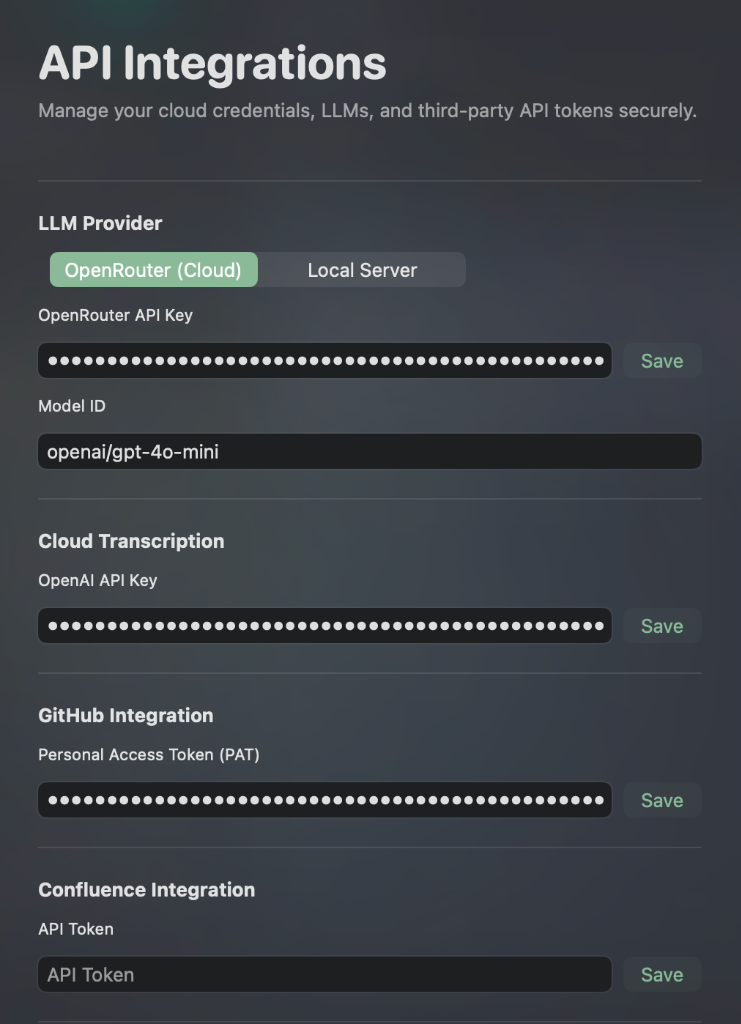
In Settings (⌘ ,) → API Integrations:
All credentials are encrypted and stored in the macOS Keychain using Apple's Security framework:
- LLM Provider: Toggle between OpenRouter (Cloud) and Local Server (LM Studio / Ollama).
- OpenRouter API Key & Model ID: Connect to reasoning models like
openai/gpt-4o-mini,anthropic/claude-3.5-sonnet, ordeepseek/deepseek-chat. - OpenAI API Key: Cloud Whisper transcription fallback and multimodal audio processing.
- GitHub Personal Access Token (PAT): Repo access for commit grounding and PR diff fetching.
- Confluence / Linear Integration: API tokens for automatic team knowledge base publishing.